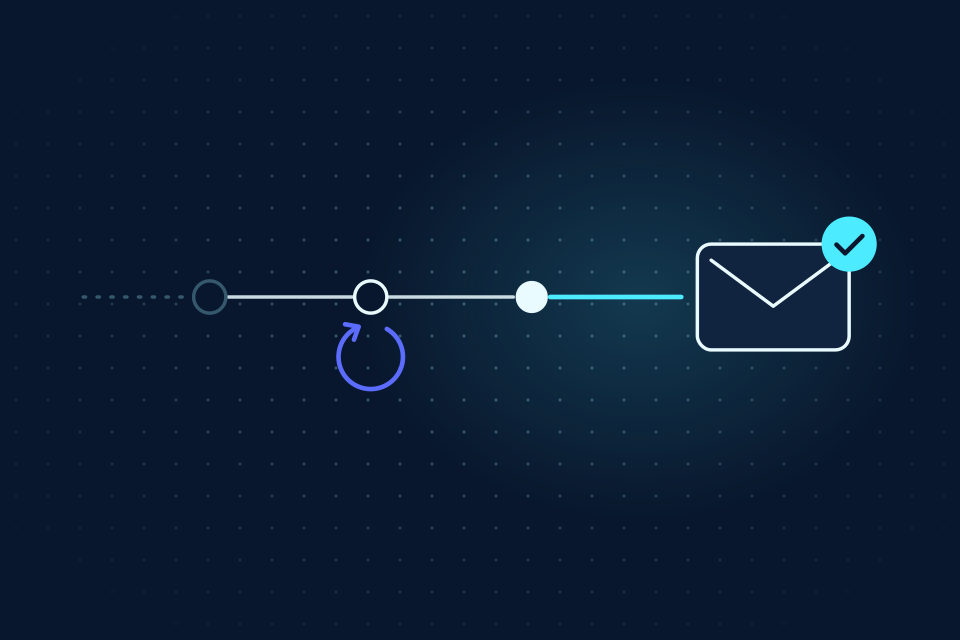
A 202 response means the message is queued
Imagine a support agent replying to a customer who asked for a status update. The send endpoint returns HTTP 202. At that point, the honest report is “Your reply is queued.” It would be too early to say that the customer received or read it.
Cyberpigeon sends asynchronously. The API accepts and stores the message, then a worker hands it to the email provider. Delivery events arrive later. Keep the returned message ID with your application’s task so you can follow the outcome without sending again.
A successful retry can also return 202 with replayed: true and the existing message. Read the message’s current status instead of assuming every 202 represents a newly queued email. The reliable-workflow post explains how to preserve an idempotency key across retries.
Show the furthest confirmed step
- Queued: Stored, waiting to send
- Sending: Handing to the provider
- Sent: The provider accepted it
- Delivered: The recipient’s server accepted it
- Queued: the message is stored and waiting for sending.
- Sending: a worker is handing the message to the provider. Delivery is not yet confirmed.
- Sent: the provider accepted the submission. The recipient’s server has not necessarily accepted it.
- Delivered: the provider reported acceptance by the recipient’s mail server. This does not confirm that a person read it.
- Received: a message arrived in the agent’s own inbox. This describes incoming mail, not the outcome of an outgoing message.
Use these distinctions in your own UI and in the language your agent uses. “Submitted to the email provider” is a more precise update than “Done” when the task also depends on a customer receiving or answering the message.
Do not use delivery status as a business acknowledgement. A delivered request for approval is still waiting for approval. Keep that task open until the expected response arrives or your own review process closes it.
Handle uncertainty differently from failure
Retrying means a temporary problem interrupted sending and another attempt is scheduled. Creating a second message while the first is still retrying can produce two emails. Follow the existing message instead.
Uncertain means the outcome could not be established safely. The original attempt may have reached the provider. Inspect the message history and seek operator help where needed before initiating a fresh send. A new idempotency key is a new action; it does not resolve what happened to the old one.
Failed means the message could not be sent. Bounced means the recipient’s server rejected it. Review the recorded error and the destination before deciding whether another attempt is appropriate.
Suppressed means the provider did not send to an address because of an earlier bounce or spam report. Marked as spam reflects a recipient complaint. These are reasons to stop and investigate, not instructions to try another address or evade the provider’s controls.
- Retrying
- Follow the existing message. Another attempt is already scheduled.
- Uncertain
- Inspect its history before any new send.
- Failed Bounced
- Review the recorded error and the destination.
- Suppressed Marked as spam
- Stop and investigate. Do not try another address.
Follow one message through its history
Read GET /v1/mailboxes/{mailboxId}/messages/{messageId} with a key that has read access to that mailbox. For a worker tracking multiple messages, poll GET /v1/events, persist its cursor and correlate data.message_id with the task you recorded when sending.
The console lets you inspect messages and their history without building a status screen first. Use it while testing your integration, especially for failures and uncertain outcomes. The API reference documents the request shapes, and the quickstart walks through sending and event polling.
Permission and availability checks still apply before a send is accepted. A key without send access cannot submit mail, and disabled delivery returns an error instead of queueing a new request. Show that error directly; do not invent a successful message state.
Test with expected recipients and permitted messages. Cyberpigeon’s current beta supports testing, transactional email and support replies; cold outreach, sales prospecting, bulk marketing, inbox warmup and spam are prohibited. Reliable delivery begins with a message the recipient expects.